Appearance
Preview
The three buttons next to the Views menu run the preview.
- Power (start GL Engine) starts the runner, the program that draws the scene. It lights up while the runner is on. Start it first.
- Play shows the open version in the middle of the editor, including edits you haven't saved. It turns into a stop button while playing.
- Web | Metal chooses the runner that Play's new-tab button and the sequence page's Show window open: the web runner in a browser window, or the Metal runner, the native Mac app. With Metal chosen, Power starts and stops the Metal runner. The preview in the middle of the editor is always the web runner.
- New tab (the button's name, "preview in new tab") shows the same preview in a window of its own. Clicking it again brings that window back to the front instead of opening another. If you reload the editor, the window keeps playing and the editor finds it again within a few seconds, so Recall start values and your edits reach it.
While a preview is open (in the editor or in its own window), it follows your edits. About half a second after you stop changing something, the scene rebuilds and the camera stays where you left it.
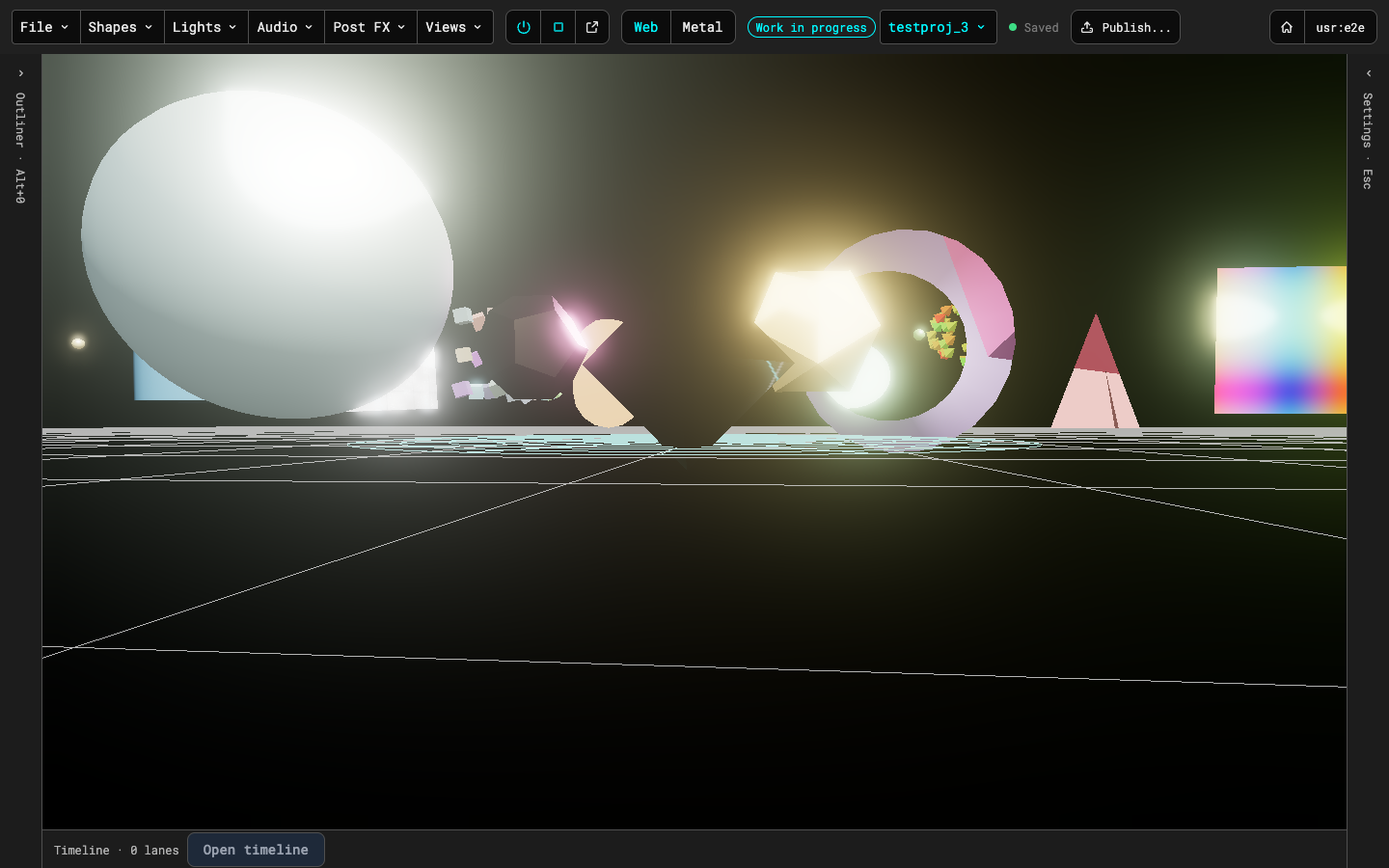
Collapse the outliner and the inspector to give the preview the whole window; Esc shows and hides the inspector, also while the preview has focus.
Keys in the preview itself: H shows or hides the runner's info panel (it starts hidden; it lists what the scene uses that the runner can't draw yet, and any warnings), and N and P step to the next and previous scene when the preview is playing a sequence. On the sequence page, → and ← step too, from the page or the show window.