Appearance
Projects
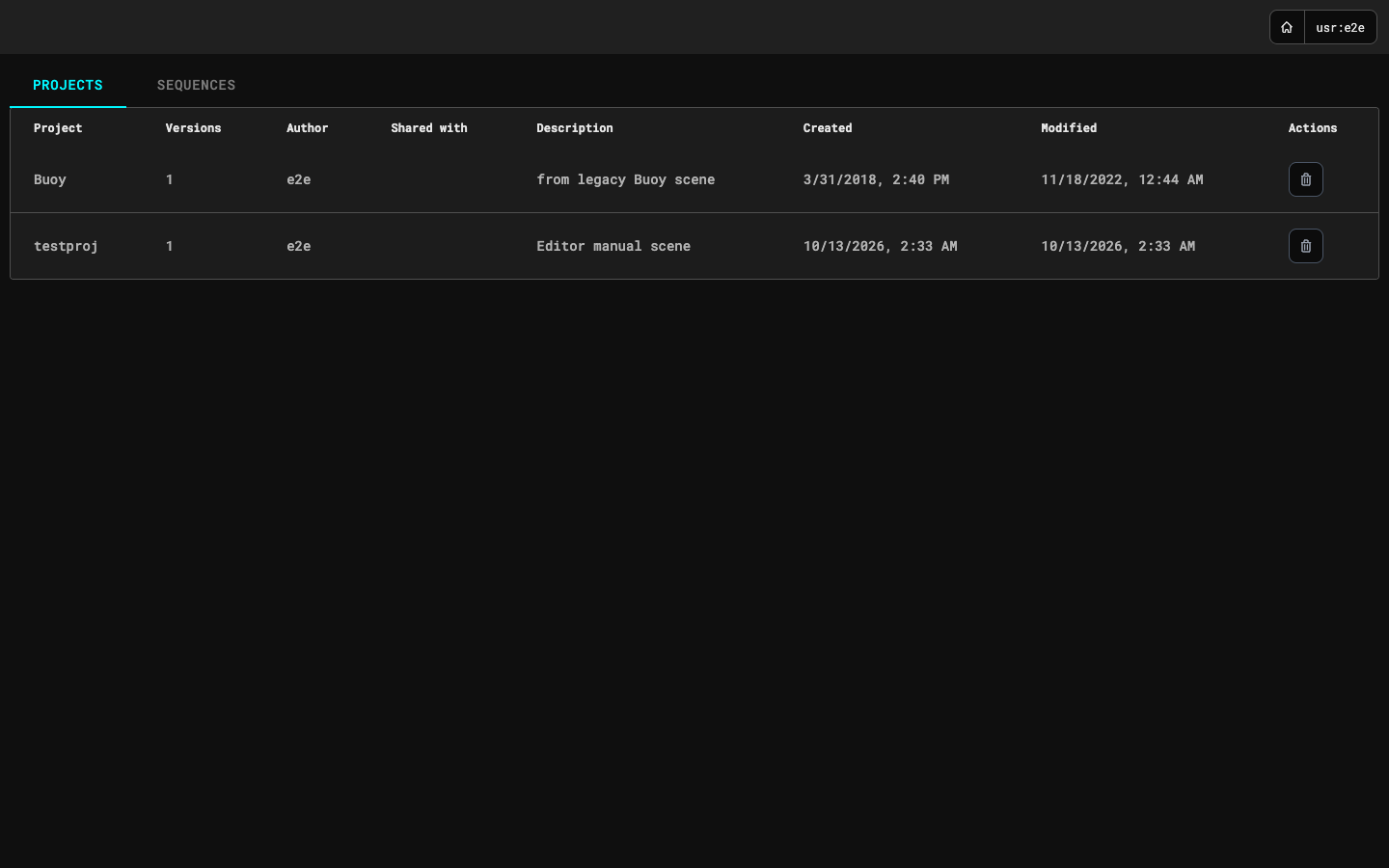
The home page lists your projects. A project is a scene with its versions; the table shows the number of versions, the author, who it is shared with, the description of the newest version, and when it was created and last changed. Click a project's name to open it in the scene editor. The trash button at the end of a row deletes the whole project after you confirm.
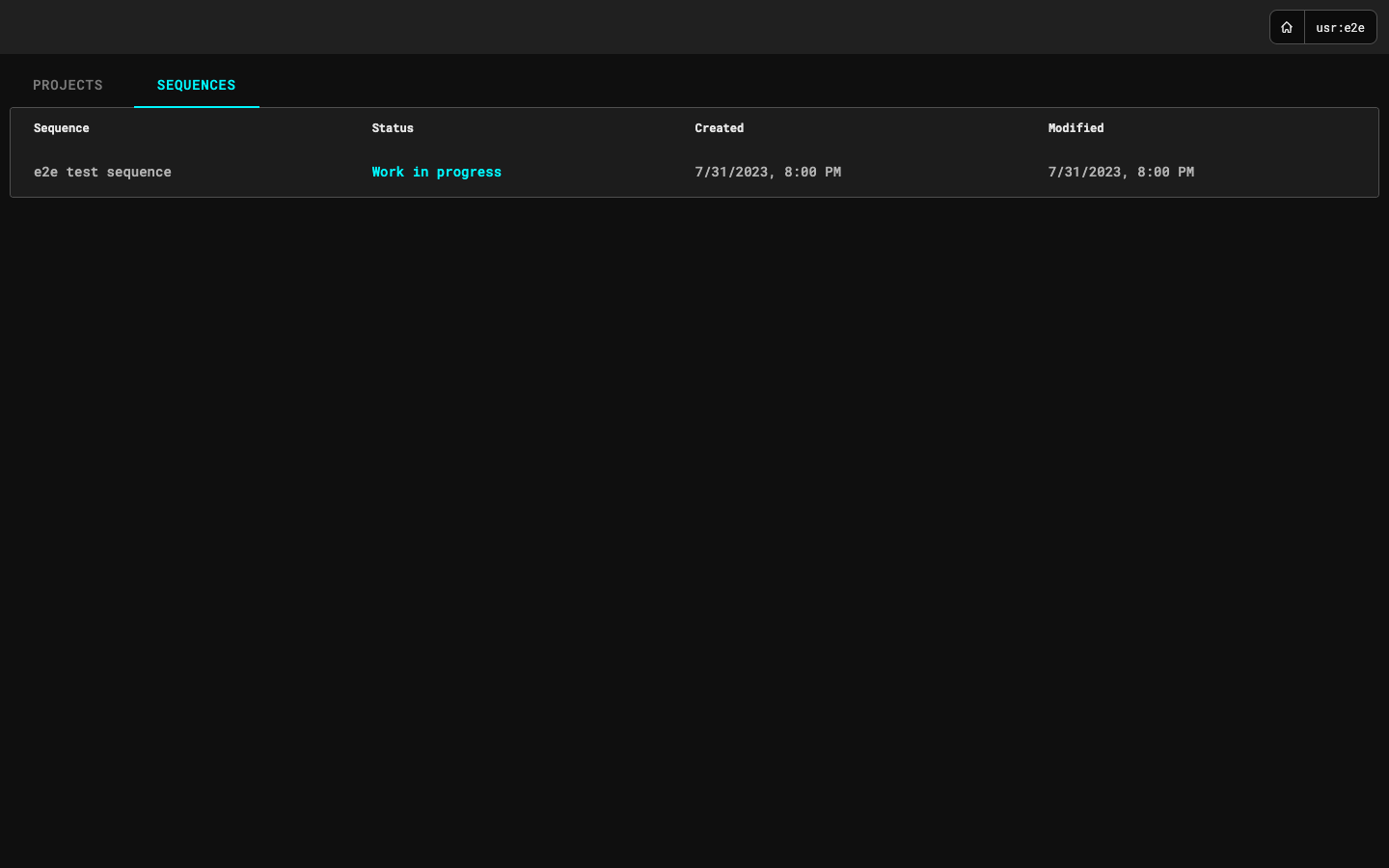
The Sequences tab lists sequences with their status and dates. Click a sequence to open it; see Sequences.
The home button at the top right (the house icon) brings you back here from anywhere.