Appearance
Signing in
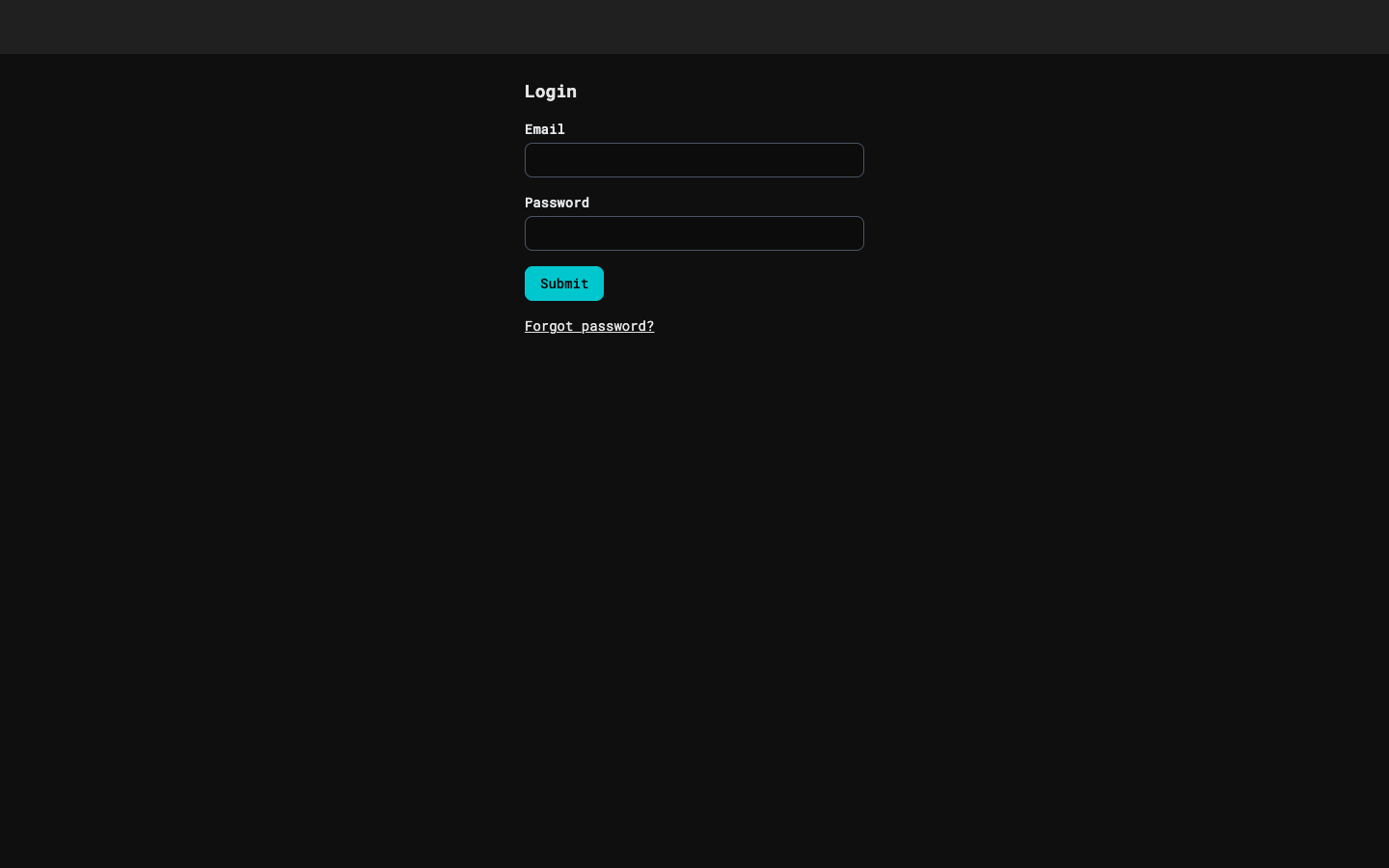
Open the editor at localhost:5173 (not 127.0.0.1). Without a session you land on the login page. Type your email and password and press Submit. Sessions last 30 days. Emails are not case-sensitive.
To sign out, open the usr:<name> button at the top right and pick Sign out.
The Profile page (the same menu) also has a Shader helper section for your Anthropic key: paste a key that starts with sk-ant- and press Save key. The key is stored encrypted and is never shown again; the page says "Key saved, ending" and its last four characters, and "This month" adds up what your helper calls cost. Remove key deletes it. Make the key in the Claude Console, in a workspace of your own with a spend limit.
Below the key, Shader analysis chooses how the helper's suggestions for a shader's uniforms are asked for: Manual (the default) adds a button to the shader's Uniforms section, and Auto asks by itself when you open the Uniforms section of a shader material or replace its shader text, at most once for each shader text until the page is reloaded. Every ask is a call that your key pays for and is added to "This month". Your choice is saved as soon as you pick it.